How to Create a Sub-Assembly inside of an Assembly - Autodesk Inventor

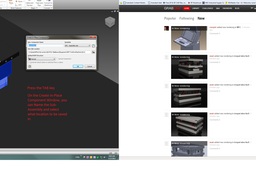
Here's a quick way.
-
Step 1:
Select the files to add to Sub-Assembly.

-
Step 2:
Press the TAB key and name and save the new Sub-Assembly.


Here's a quick way.
Select the files to add to Sub-Assembly.
Press the TAB key and name and save the new Sub-Assembly.

