

The "OK Checkmark" Method: Instant Origin Alignment in SolidWorks

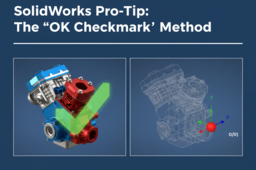
Stop wasting time manually mating your first component to the assembly planes!
This tutorial covers the "OK Checkmark" Method—the fastest way to align a part's origin and planes with the assembly's origin
-
Step 1: Selecting First Part
Open the Insert Component Property Manager and Select the part
-
Step 2: OK Checkmark Magic
Without clicking in the graphics area,
simply click the Green Checkmark (OK) in the Property Manager

