Learn about the GrabCAD Platform
Get to know GrabCAD as an open software platform for Additive Manufacturing
Visit our new homepage
Home
Control
Shop
Streamline Pro
Partner Program
Print
Community
Log in
Library
Challenges
Groups
Questions
Tutorials
Engineers
Blog
Log in
fernando castro
Follow
9
followers
United States
Tutorials
About
Models
5
Tutorials
1
More
Followers
9
Following
0
Likes
1
Following
0
Followers
9
Likes
1
Tutorials
Sort by:
Recent
Recent
Most liked
Most viewed
Most commented
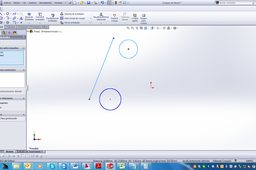
how to make a line tangent on two circles in solidworks?
fernando castro
in
Design & CAD
0
0
Intermediate
Hans de Ridder´s answer must workk, but the other way to do this is select the line and the circle at the same time pressing ctrl key on the keyboard and in the left tool bar will appear the option tangent, then you select the tangent and do the same with the other circle. But the solid works will automatically adjust the position or dimensions of the line and the circles so maybe if you want an specific dimension or positions you may set them first
SOLIDWORKS