Learn about the GrabCAD Platform
Get to know GrabCAD as an open software platform for Additive Manufacturing
Visit our new homepage
Home
Control
Shop
Streamline Pro
Partner Program
Print
Community
Log in
Library
Challenges
Groups
Questions
Tutorials
Engineers
Blog
Log in
KeyShot
Amazing renderings and animations. In minutes.
Follow
432
followers
Tustin, CA, United States
Tutorials
About
Models
35
Tutorials
3
More
Followers
432
Following
32
Likes
80
Following
32
Followers
432
Likes
80
Tutorials
Sort by:
Recent
Recent
Most liked
Most viewed
Most commented
Create a Perfect Center View in KeyShot
KeyShot
in
Other
3
0
Beginner
Today, we'll show you how to quickly create a perfectly centered, symmetric view using absolute camera values. This is useful for a variety of needs, particularly when working with symmetry or when you need to achieve a perfectly centered front, back, or top view.
workflow
keyshot
rendering
3d
How to Open Your Model in KeyShot
KeyShot
in
Design & CAD
2
1
Intermediate
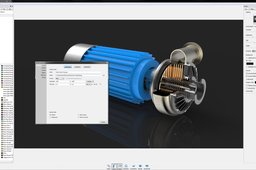
Within GrabCAD, you have a pulldown in the model viewing screen with the option to Open with KeyShot. When a model is open inside a project of the Workbench interface, you and any collaborators will see a Open With menu above the model in the upper right corner. With a single click, members of the project are able to select Open with KeyShot to launch and open the model directly inside KeyShot. With KeyShot installed, the model will open immediately inside the KeyShot realtime rendering environment. A video of the functionality can be viewed here. Once you have your model in KeyShot, you're ready to render! To get started quickly, see the quick tips and tutorials available here: http://keyshot.com/learning/
Rendering
keyshot
3d-rendering
How to Get More Eyes on Your Design
KeyShot
in
Design & CAD
0
0
Intermediate
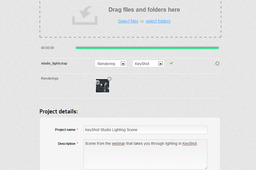
One way we find what people are creating with KeyShot is by performing a search for the software. Searching for the word 'keyshot' will show the content where people used 'keyshot' in the description or as a tag. If you want more eyes on your design, make sure to fill out the description and enter tags. List the software used in the description or tag, as many people search for these terms to see where how the software is being used and many software companies search to share those models and images with others. https://grabcad.com/library/tag/keyshot
Rendering
keyshot
3d-rendering