Learn about the GrabCAD Platform
Get to know GrabCAD as an open software platform for Additive Manufacturing
Visit our new homepage
Home
Control
Shop
Streamline Pro
Partner Program
Print
Community
Log in
Library
Challenges
Groups
Questions
Tutorials
Engineers
Blog
Log in
Yoji Tanaka
3D Design Consultant of Octave.Lab
Follow
20
followers
Tokyo, Japan
Tutorials
About
Models
5
Tutorials
3
More
Followers
20
Following
1
Likes
5
Following
1
Followers
20
Likes
5
Tutorials
Sort by:
Recent
Recent
Most liked
Most viewed
Most commented
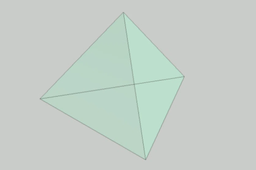
How to create a regular tetrahedron (Example A)
Yoji Tanaka
in
Modeling
0
0
Expert
Try making a model of a regular tetrahedron with sides measuring 100 mm. It's a simple shape, but there are several ways to do it, depending on how you create the sketch and the features you use. I'll introduce some modeling examples later, so please think about it before you see the answer.
Autodesk Inventor
inventor
obtavelab
geometry
tetrahedron
modeling
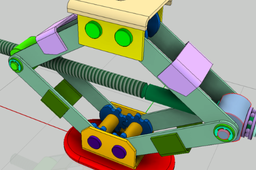
Inventor / Top-down design method / Screw jack
Yoji Tanaka
in
Modeling
7
0
Expert
This is the second installment of real design examples using the top-down design method. This time we will show an example of a screw jack design.
Autodesk Inventor
lod
design
skeleton
top-down
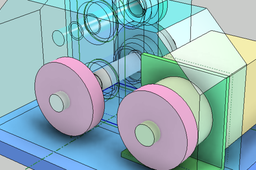
Inventor / Top-down design / Drive unit (Chapter 2)
Yoji Tanaka
in
Modeling
10
0
Intermediate
material. The design procedure from conception to detailed design is introduced using the drive unit as an example. Chapter 2 describes from the creation of the conceptual design model (LOD200) to the detail design (LOD300).
Autodesk Inventor
lod
top_down_design
inventor
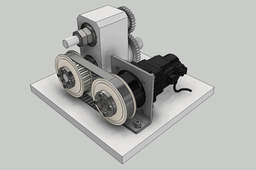
Inventor / Top-down design / Drive unit (Chapter 1)
Yoji Tanaka
in
Modeling
9
0
Intermediate
Inventor's top-down design introductory material. The design procedure from conception to detailed design is introduced using the drive unit as an example. Chapter 1 describes from the creation of the skeleton model (LOD100) to the conceptual design model (LOD200).
Autodesk Inventor
lod
top_down_design
inventor